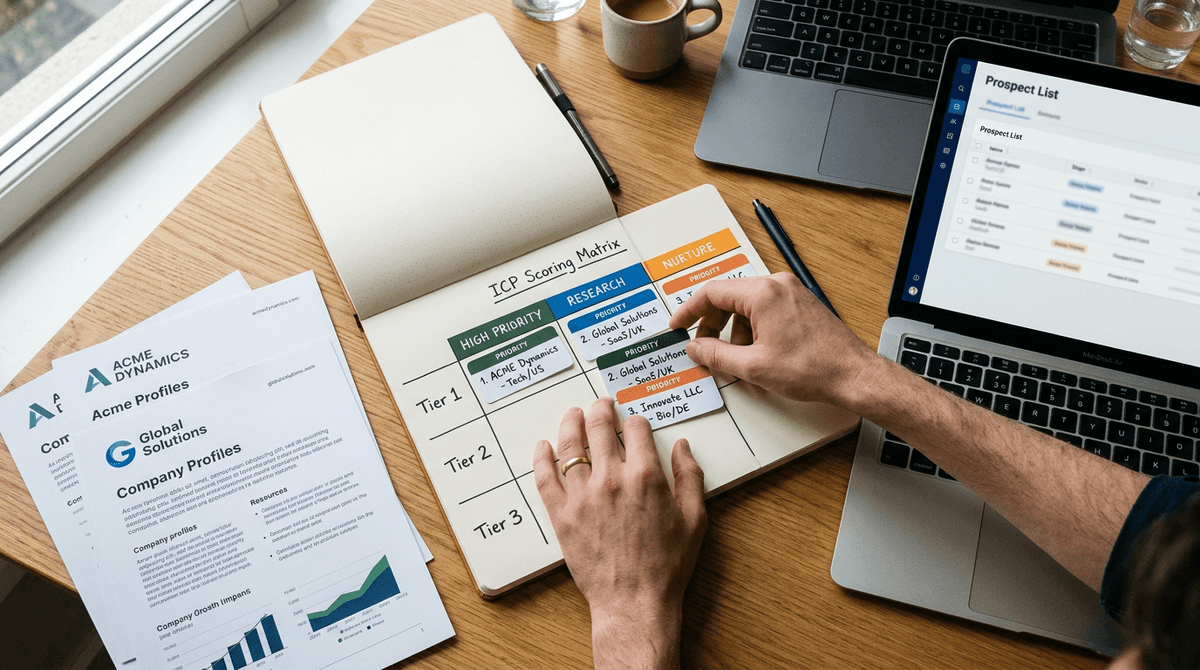
Sales intelligence is the practice of gathering and analyzing information about prospects, accounts, and buyers so sales teams can prioritize the right opportunities and have more relevant conversations. It combines company data, contact details, and buying signals into a single picture that tells a rep who to talk to and why.
That's the textbook definition, and it's not wrong. But it's incomplete, and the gap between that definition and what actually helps a rep close a deal is where most sales teams get stuck.
What is sales intelligence, really?
Ask five vendors what sales intelligence means and you'll get five versions of the same answer: contact records, firmographic details, technographic data, and intent signals, all rolled into a database you can search. That's the version most sales intelligence platforms sell, because that's the version their business model is built on.
Here's the problem. Data about a company is not the same thing as understanding that company. Knowing that a business has 340 employees, uses Salesforce, and raised a Series B six months ago tells you a few facts. It does not tell you why any of that matters to the person you're about to email, what they care about right now, or what you should actually say to get a reply.
Sales intelligence, properly understood, is the process of turning scattered facts about a company and its people into something a rep can act on: a point of view, a relevant message, and a plan for the conversation. Data is an ingredient. Intelligence is what you make with it.
How sales intelligence works
Most sales intelligence follows a similar path:
- Collect the raw material. This includes firmographic data (industry, size, revenue), contact data (names, titles, verified emails), technographic data (what tools a company already uses), and intent data (what topics or products a company is actively researching).
- Layer in signals that change over time. Funding announcements, leadership changes, hiring spikes, and product launches all shift whether an account is worth pursuing right now versus later.
- Turn the data into a point of view. This is the step most tools skip or leave entirely to the rep. It means figuring out what the data actually implies: this company is probably feeling pressure around X, this stakeholder likely cares about Y, this is the angle that will land.
- Act on it. The final step is using that point of view to prioritize which accounts to pursue, tailor outreach, and prepare for meetings with something more useful than a generic pitch deck.
Most sales intelligence tools are built almost entirely around steps 1 and 2. They’re very good at collecting and refreshing data. Step 3, the part where data becomes a usable point of view, is usually left to the rep, sitting in a browser tab open to ten different sources, trying to piece it together before a call.
Sales intelligence data vs. sales intelligence
It’s worth being precise about the difference between the two, because the terms get used interchangeably and that’s part of the confusion.
| Sales intelligence data | Sales intelligence (the practice) | |
|---|---|---|
| What it is | Raw facts: contact records, firmographics, intent scores | What you do with those facts: prioritization, messaging, prep |
| Where it lives | Databases and enrichment tools | The rep’s judgment, or a system that does that judgment for them |
| What it answers | Who exists, what they use, what they might be researching | Why this account matters right now, and what to say to them |
| Common providers | ZoomInfo, Cognism, LeadIQ, Sales Navigator | Varies widely; most reps do this step manually |
Sales intelligence data
Sales intelligence (the practice)
Sales intelligence data
Sales intelligence (the practice)
Sales intelligence data
Sales intelligence (the practice)
Sales intelligence data
Sales intelligence (the practice)
Data providers answer the “who” question extremely well. They tell you who exists, what industry they’re in, and sometimes whether they’re showing signs of interest. That’s genuinely useful, and no rep should try to prospect without some version of it.
But data alone doesn’t tell you what to say. A list of 200 companies that match your ICP and show intent signals is not a plan. It’s a bigger haystack. Somebody, or something, still has to figure out which of those 200 matter most and what the opening line of the email should be.
Why more data isn’t the same as better outcomes
There’s a common assumption in B2B sales that if a rep just had more information, they’d perform better. More contacts, more firmographic detail, more intent signals, more tabs open. In practice, this usually backfires.
Reps already spend a large share of their week on research and admin rather than selling. Adding another data source doesn’t fix that; it usually adds another tab to check, another export to cross-reference, and another place for good signals to get lost. The volume of available data has grown enormously over the last decade. The volume of reps who feel confident walking into a meeting has not grown at the same pace.
The honest reason for this mismatch is that data providers are incentivized to sell more data. Their product gets better (and more expensive) as the database gets bigger and more granular. That’s a reasonable business to be in, but it means the tools built on top of that model are optimized for coverage, not for turning a specific account’s data into a specific plan of action. Nobody on the data provider’s roadmap is trying to talk you out of needing more records.
This is the real reason “what is sales intelligence” is worth asking carefully. If you define it as data, you’ll keep buying more data. If you define it as the plan that data should produce, you’ll start asking a different question: who is actually doing the work of turning research into a message and a strategy, and how much of that is still sitting on the rep’s shoulders?
What good sales intelligence actually produces
If sales intelligence is working the way it should, a rep should be able to look at any account on their list and immediately answer three questions without opening five browser tabs:
Why does this account matter right now? Not “does it fit our ICP” in the abstract, but what changed recently, what pressure the business is under, and why this is a good moment to reach out rather than three months from now.
What does this specific buyer care about? Titles and departments are a starting point, not an answer. A VP of Ops at a manufacturing company and a VP of Ops at a SaaS company are not worried about the same things, even if their job title is identical on paper.
What should I actually say? A rep with good intelligence walks into a call with a point of view on the account’s likely priorities, a relevant opening line, and a sense of who else in the org might be involved in the decision. A rep with just data walks in with a list of facts and hopes the conversation goes somewhere useful.
Data providers stop at question one, and even then only partially. Getting to questions two and three requires connecting the data to strategy, which is a different kind of work than enrichment.
Where Flyfish fits into this
Flyfish is built around the idea that the definition above is the right one: sales intelligence isn’t the pile of data, it’s what a rep can do with it. Flyfish is not a contact database and it doesn’t try to compete on the size of its record count. Instead, it takes the research a rep would normally have to piece together by hand and turns it directly into usable assets: account insight summaries, messaging angles, meeting prep, battle cards, and relationship maps that show who the likely stakeholders are and how they connect.
The practical difference shows up in a rep’s day. Instead of pulling firmographic data from one tool, checking intent signals in another, searching LinkedIn for recent leadership changes, and then trying to synthesize all of it into an email or a call plan, a Flyfish user gets that synthesis done for them. The research still happens. It just doesn’t sit on the rep’s desk as raw material they have to assemble themselves.
This isn’t a claim that Flyfish replaces the data layer entirely, or that it’s a CRM, a sequencer, or an autonomous AI SDR that runs outbound on its own. It’s none of those things. It’s the layer that was mostly missing between “here is data about this account” and “here is what I should say and do about it,” and it’s designed for the human rep who still owns the conversation, not a bot that replaces them.
Frequently asked questions
What is sales intelligence in simple terms? Sales intelligence is the process of gathering information about prospects and accounts, then turning that information into insight a sales rep can actually use: who to prioritize, what matters to them, and what to say.
Is sales intelligence the same as a contact database? No. A contact database gives you names, titles, and emails. Sales intelligence includes that kind of data but goes further, connecting it to context like buying signals, company priorities, and messaging strategy.
What’s the difference between sales intelligence and market intelligence? Market intelligence looks at broader industry and competitive trends. Sales intelligence is account and prospect specific, focused on helping a rep act on a particular deal or target list.
Do I need a sales intelligence tool if I already have a CRM? Yes, typically. A CRM stores and manages relationships you already have. Sales intelligence helps you find, prioritize, and prepare for the accounts and conversations you haven’t had yet. The two are complementary, not interchangeable.
What are examples of sales intelligence data? Common examples include firmographic data (industry, size, revenue), technographic data (which tools a company uses), intent data (what topics a company is researching), and trigger events like funding rounds, executive hires, or expansions.