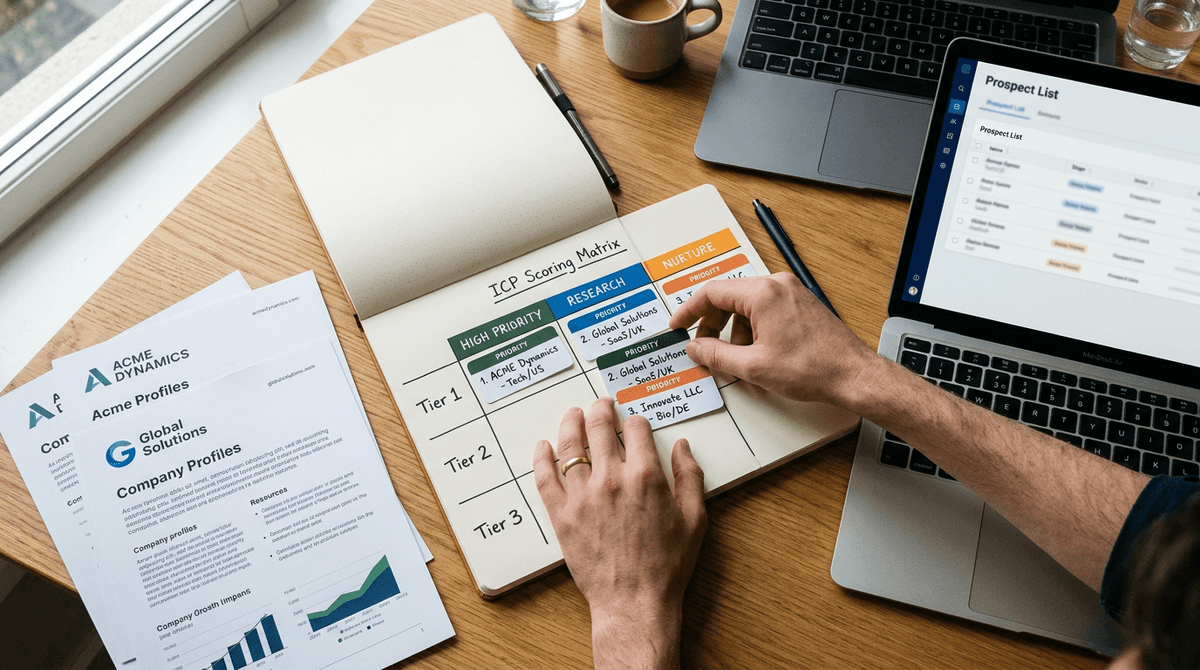
AI for sales prospecting means using AI tools to research accounts and prospects faster, then turning that research into outreach that is specific enough to earn a reply. Used well, it does not just speed up sending. It speeds up understanding, which is the part that actually determines whether a prospect responds.
That distinction matters more than most guides let on. Search “AI for sales prospecting” and you will find two kinds of advice. The first is a stack of ChatGPT prompts for writing cold emails. The second is a pitch for AI tools that will handle prospecting almost entirely on their own. Both miss the actual problem reps run into every day: it is easy to generate outreach with AI, and it is easy to make that outreach sound like it came from a template. The hard part, and the part worth solving, is using AI to understand a specific account well enough to say something a competitor’s rep would never think to say.
This guide skips the generic prompt list. It walks through how to actually use AI to go deeper on research so your prospecting has substance behind it, not just speed.
Why most "AI for sales prospecting" advice backfires
Prospects can tell when an email was generated in ten seconds. Not because AI writing is bad, but because most AI-assisted outreach skips the step that makes outreach worth reading: real context about the account.
Ask ChatGPT to “write a cold email to a VP of Sales at a mid-market SaaS company” and it will produce something fluent, structurally correct, and completely generic. It has no idea who the VP actually is, what the company is dealing with this quarter, or why your product matters to them specifically. The output reads like every other AI-assisted email landing in that inbox this week, because it was built the same way: quickly, with no account-specific input.
Full-automation tools have a related problem. AI SDR platforms that research, write, and send outreach with minimal human review can produce volume reliably, but volume without judgment tends to drift toward the same handful of safe, generic angles. When a bot is writing to thousands of prospects a day, the messaging naturally regresses to what is broadly true instead of what is specifically true for this account. Buyers who have been burned by an obviously automated sequence get more skeptical of every AI-assisted message that follows, including yours.
The fix is not to use AI less. It is to point AI at the right problem. AI is extremely good at compressing research time. It is not, on its own, good at judgment about what matters to a specific buyer. That judgment still comes from a rep who has been fed the right inputs.
Step 1: Use AI to build account context, not just contact lists
Before you write a single line of outreach, you need three things about the account: what is actually happening there right now, what problem your product solves for a company in that position, and who the right person is to talk to about it.
Most reps skip straight to finding a name and email address. That is a data problem, and tools like ZoomInfo, Apollo, or Sales Navigator solve it well. But a name and title tell you who exists, not why they should care. This is where AI research tools add real value: pulling together recent funding news, leadership changes, job postings, tech stack signals, earnings call mentions, and public statements into a single picture of the account.
The goal of this step is not information for its own sake. It is finding the one or two things about this specific account that would make a generic pitch feel obviously wrong for them. A company that just hired six new AEs is dealing with ramp time and territory division. A company that just lost a round of funding is dealing with efficiency pressure, not growth pressure. Those are different conversations, and AI can surface the signal that tells you which one you are having, in minutes instead of the 20 to 30 minutes a rep might otherwise spend piecing it together from LinkedIn, the company blog, and a Google News search.
Step 2: Translate account context into a point of view, not a data dump
Research is only useful if it changes what you say. This is the step most reps and most AI tools skip. They gather the signals, then write an email that mentions the signal (“Congrats on your Series B!”) without connecting it to anything relevant.
A stronger approach is to ask the AI tool to help you form a point of view: given this signal, what does it likely mean for this person’s priorities in the next two quarters, and what does that suggest about how to position your product. This is a reasoning step, not a lookup step. It is the difference between “I saw you raised money” and “Post-raise, teams your size usually shift from proving product-market fit to scaling repeatable pipeline, which is usually when manual account research starts to break down.”
The second version required the same research as the first. It just used AI to go one layer deeper, from fact to implication. That layer is where outreach stops sounding generic.
Step 3: Let AI handle the first draft, but edit for specificity
Once you have a point of view, AI is genuinely useful for drafting. It can produce a clean first version of an email, a call opener, or a LinkedIn message quickly. The mistake is treating that first draft as finished.
Before sending anything AI-assisted, check it against a simple test: could this exact message be sent to five other companies in the same industry without changing a word? If yes, it needs another pass. Look for the sentence that only makes sense for this account, and make sure it is not buried under three sentences of throat-clearing about who you are and what your product does.
A few edits usually move a draft from generic to specific:
- Cut the opening line that describes what your company does. Lead with the observation about their business instead.
- Replace any sentence that could apply to any company in the vertical with one that only applies to this one.
- Shorten the ask. Specific research earns you the right to ask a direct question, not a vague one.
Step 4: Use AI for meeting prep, not just the first email
Prospecting does not end when someone replies. The research you did to write the first message is exactly what you need for the discovery call, and most reps let it go stale between the email and the meeting. Rebuilding context the night before a call, scrambling through old notes and LinkedIn tabs, is one of the most common ways good outreach turns into a forgettable meeting.
AI tools built for this workflow can carry the account research forward automatically: turning what you learned during prospecting into a one-page brief before the call, a suggested agenda based on what you know about their priorities, or talking points that address likely objections from someone in that role. This keeps the specificity you built at the top of the funnel from disappearing by the time it matters most, in the actual conversation.
Step 5: Know where AI should stay in a supporting role
There is a version of “using AI for prospecting” that hands the rep out of the loop almost entirely: AI finds the lead, AI writes the message, AI sends it, and the human only shows up once a meeting is booked. That approach can produce meetings. It can also produce meetings where the prospect feels misled about how much of the outreach was actually personal, which shows up as no-shows and cold, confused first calls.
The reps who get the best results treat AI as a research and drafting partner, not a replacement for judgment. AI compresses the hours of digging that used to stand between “I have a list” and “I understand this account.” It does not replace the decision about what to say, how hard to push, or when a signal is actually meaningful versus noise. Keeping a human in that decision loop is not a limitation of AI prospecting. It is the reason AI-assisted outreach can still feel human when it lands in an inbox.
A simple framework to apply this every day
For reps who want a repeatable process rather than a one-off checklist, this five-step loop works for most outbound motions:
- Research: Pull account and contact signals with AI (news, hiring, funding, tech stack, leadership changes).
- Interpret: Ask what the signal implies about priorities right now, not just what happened.
- Draft: Let AI write a first pass built around that interpretation, not a generic template.
- Edit for specificity: Cut anything that could apply to five other companies.
- Carry forward: Use the same research to prep for the call, not just the first touch.
This loop takes minutes per account once you have a tool that keeps research, messaging, and meeting prep connected instead of scattered across a data provider, a sequencing tool, and a notes doc.
Where Flyfish fits into this
Flyfish is built around exactly this loop. It is not a contact database and it is not a tool that sends outreach on autopilot. It is an AI sales intelligence platform that does the research and interpretation work described above, then turns it into assets a rep actually uses: account insights, messaging angles, pitch decks, and meeting prep, all built from the same account context instead of pieced together from five different tools.
The reason this matters is the gap this guide has been describing. Generic AI tools like ChatGPT can do parts of this if you know exactly what to ask and you already have the account context loaded into your head. AI SDR tools automate the sending, often at the cost of the specificity that makes outreach worth sending in the first place. Flyfish sits in between: it does the deep research and turns it into a plan, but a human rep still decides what to say and when to say it. That is the workflow this guide walks through, built into a single system instead of five browser tabs and a prompt library.
FAQ
How do you use AI for sales prospecting without sounding generic? Use AI to go deeper on account and contact research before you write anything, then form a specific point of view about why this account matters right now. Draft with AI, but edit out anything that could apply to any other company. Generic outreach usually comes from skipping the research step, not from AI writing badly.
What’s the difference between using AI for prospecting and using an AI SDR tool? Using AI for prospecting typically means a rep uses AI to speed up research, drafting, and prep while staying in control of what gets sent. An AI SDR tool automates more of the process end to end, including sending outreach with limited human review. Both can work, but full automation trades some personalization and buyer trust for speed and scale.
Can AI replace manual prospecting research entirely? Not reliably yet. AI is very good at compressing the time it takes to gather signals about an account, but it still takes a person to judge which signal matters and how to use it in a message. Treating AI as a research accelerator, rather than a replacement for judgment, tends to produce better response rates.
What AI tools should SDRs use for prospecting? It depends on what you already have. Data providers like ZoomInfo or Apollo help you find contacts. Sequencing tools like Outreach or Salesloft help you send at volume. AI sales intelligence tools like Flyfish sit earlier in the process, turning that data into research, messaging, and meeting prep so what you send and say is worth a prospect’s time.
Is AI-generated outreach less effective than outreach written by a person? It depends entirely on the input. AI outreach built on shallow or no account research tends to underperform because it reads as generic. AI outreach built on specific, well-interpreted account signals can perform as well as or better than manually written outreach, because it removes the time pressure that causes reps to cut corners on personalization.